Trend Lab.
Trend Lab does your 45-minute scroll in two clicks, any time you need it, and hands back posts picked from what's already outperforming in your niche and scripted in your voice.
For small business owners who are done scrolling for content ideas they never use.
You open Instagram "for research". Forty-five minutes later you've saved eleven posts, screenshotted a few more and felt behind on every one of them, and you still have nothing to post tomorrow.
That scroll is a job you've been doing unpaid every week on top of running your actual business, and Trend Lab does it for you now.
What it actually does
You tell it which accounts you watch. Trend Lab goes through their posts, finds the ones that took off way past that account's usual numbers and works out why they landed. It checks your own Instagram too, so it knows which of your posts your audience saves and shares. Then it uses all of that as inspiration for a fresh post about your business, fully scripted in your words with the caption ready to go.
Two clicks, any day of the week, and you've got posts worth filming waiting in your dashboard inside Claude. So when you're stuck for something to post, you open Claude instead of Instagram and already know what you're filming.
If you spot something good while you're scrolling on your phone, send it over in a few taps and Trend Lab writes your version of it, about your business.
How it works
- 1
Pick your accounts.
Competitors, people you admire, the one you keep stalking at 11pm, anyone whose posts you save.
- 2
Trend Lab finds the outliers.
These are the posts that beat that account's normal, so you're working from proof instead of guessing.
- 3
It reads your numbers.
Connect your business Instagram and it learns what already works for you.
- 4
It writes your posts.
Ask whenever you need one. You'll get fresh ideas chosen from what's outperforming, with the hook, script and caption written in your voice.
Here's what's waiting in Claude
A demo dashboard, using my own accounts.
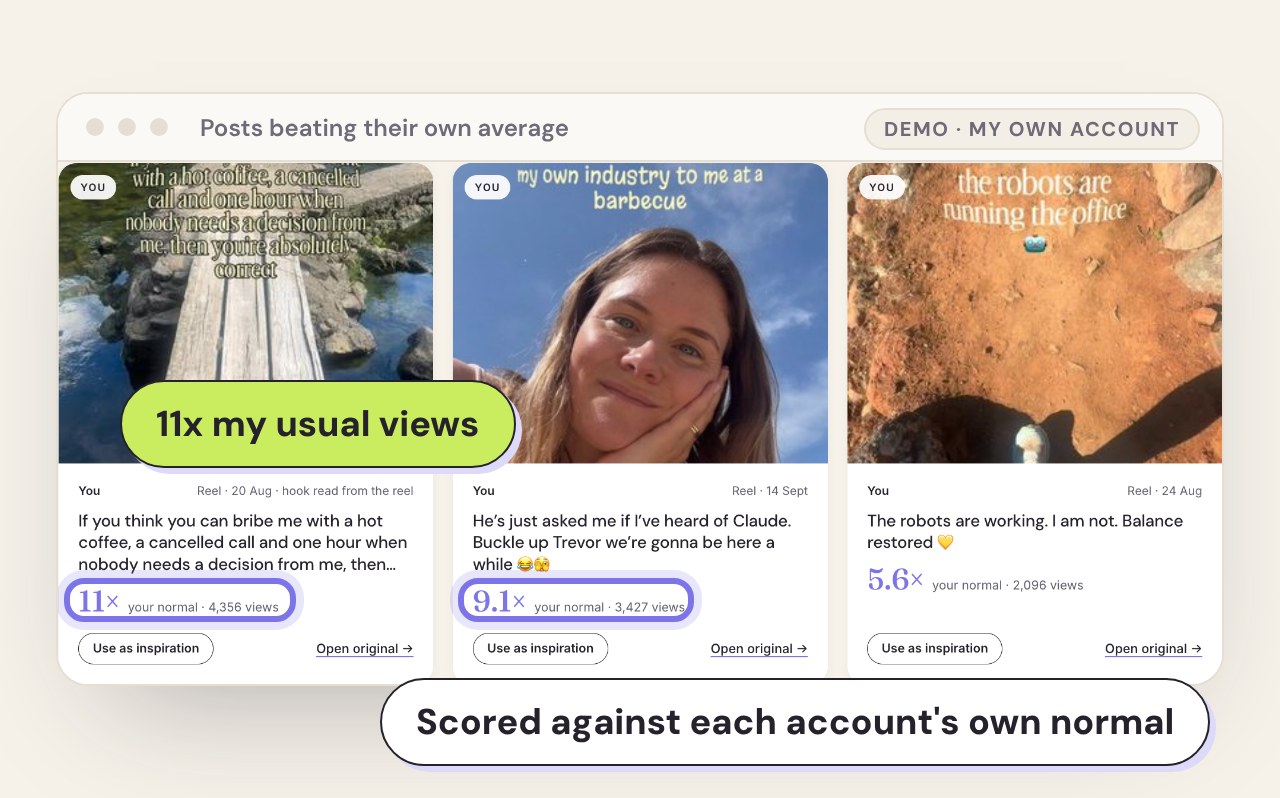
It finds what's working.
Trend Lab checks the accounts you learn from and pulls out the posts beating their own average, then tells you why they landed.
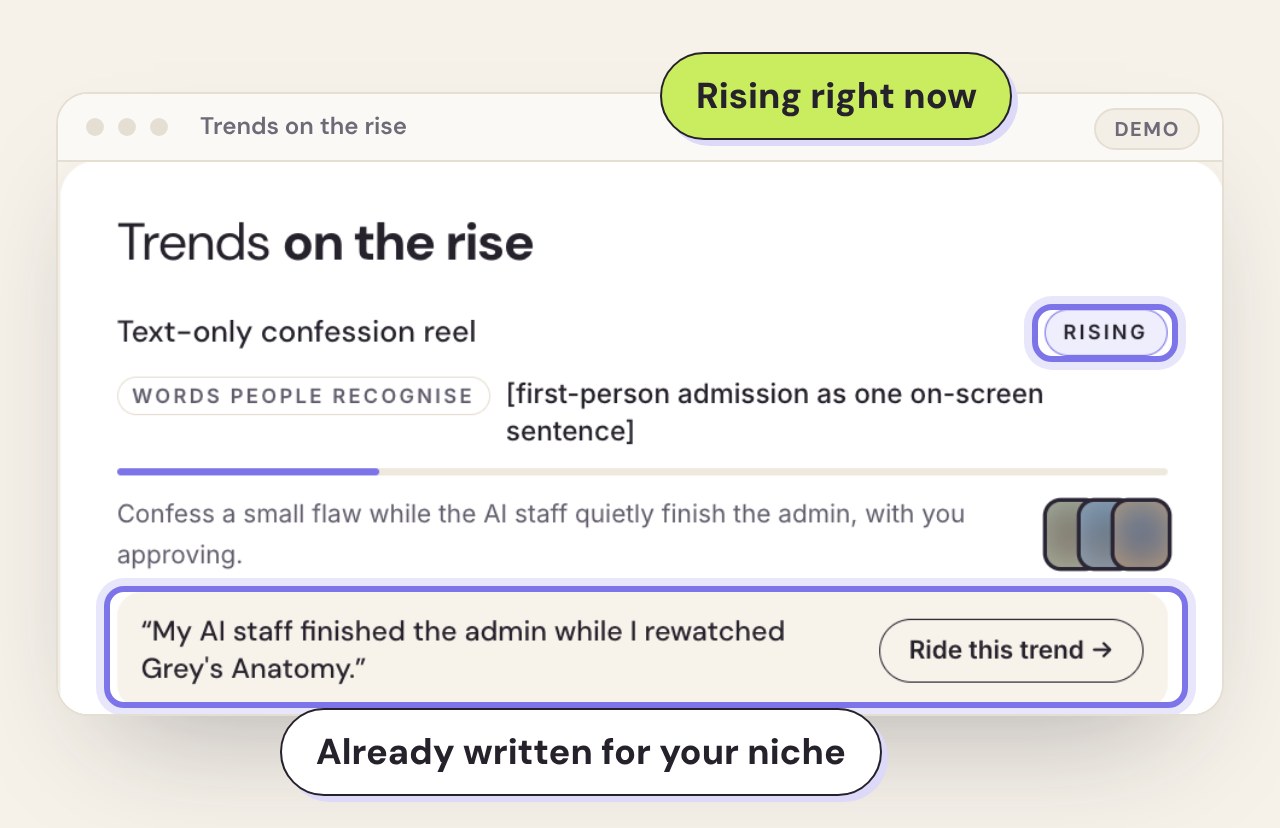
It spots what's rising.
Trends get flagged as they climb, with an example already written for your niche.
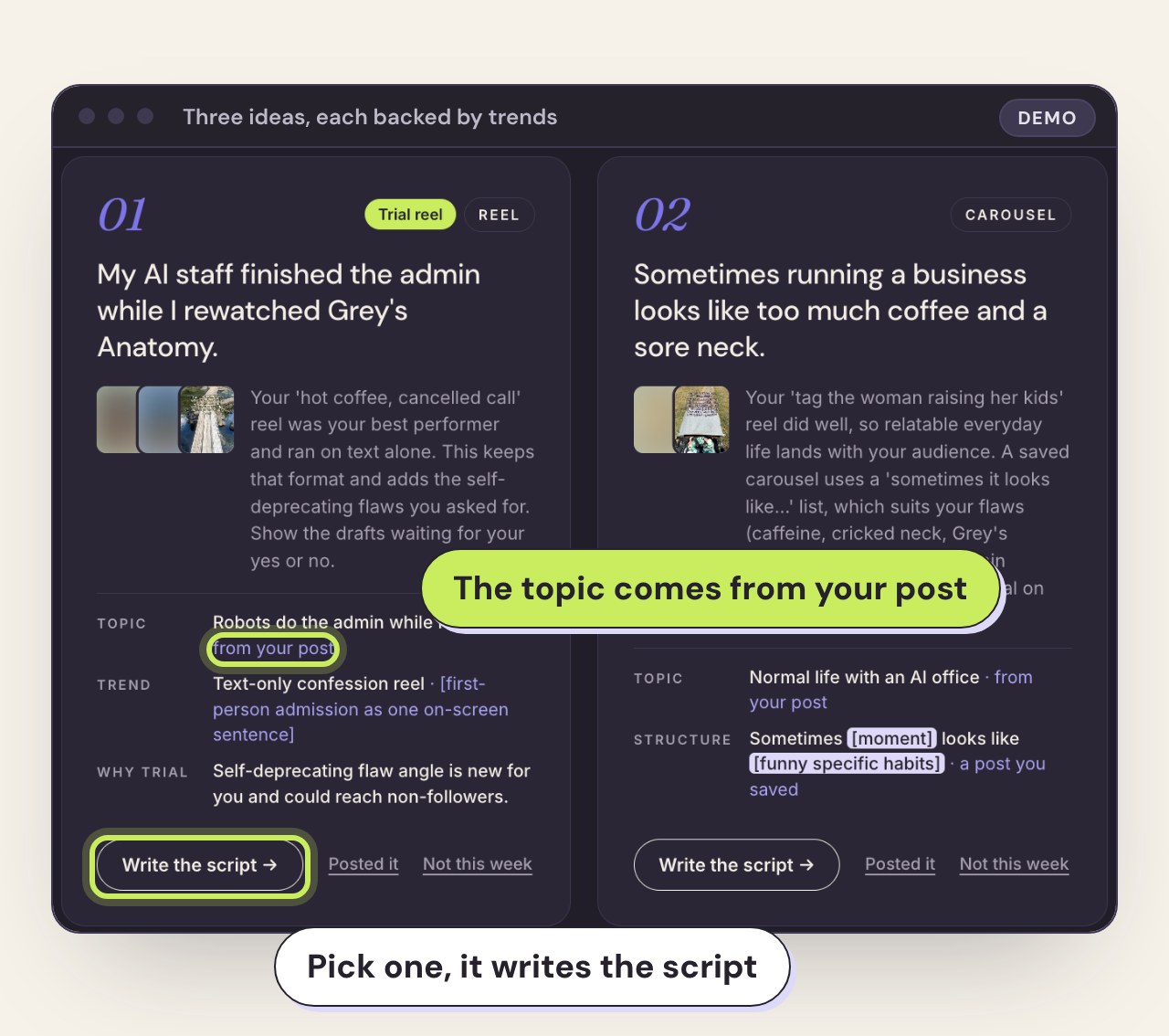
Your ideas are waiting.
Each idea takes its topic from your own posts and its format from what's working. Pick one and it writes the full script in your voice.
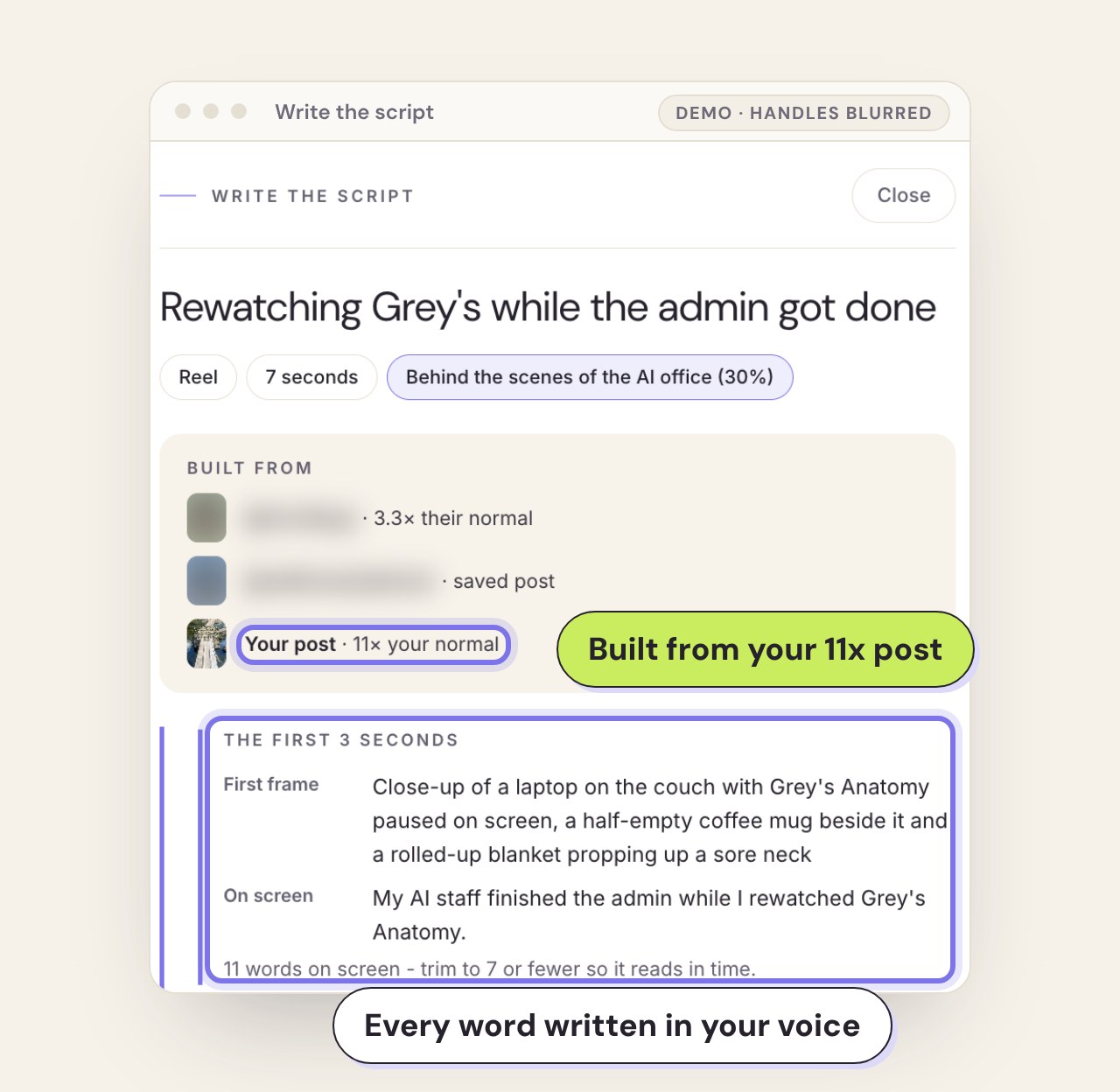
All of it in your voice.
Paste your landing page or Instagram bio once and Trend Lab drafts your brand profile. Each account has its own, and they never mix.
This is for you if:
- ✓you post because you know you should, and the ideas run dry by Wednesday
- ✓you've lost whole evenings to "research" that turned into doom scrolling
- ✓you already use Claude and want it doing more than tidying your emails
- ✓you want content built on what's performing in your niche right now, instead of your best guess
It's not for you if you want someone to film and post for you. Trend Lab hands you the ideas and the scripts, and you still press record.
What you get
- ✓Trend Lab, set up inside your own Claude desktop app
- ✓A step-by-step setup walkthrough (about 30 minutes, once)
- ✓Outlier tracking for the accounts you choose
- ✓Ready-to-film posts whenever you ask, with hooks, scripts and captions in your voice
- ✓Phone saving, so any post you spot while scrolling becomes an idea for your business
- ✓Founding price locked at $67 before it goes to $97
The price
$67USD · one payment
Founding price until 11:59pm Friday 30 October (Canberra time), then it goes to $97.
That's every hour you've spent scrolling for ideas handed back to you, for less than a fortnight of your coffee habit.
Questions
What do I need?
A paid Claude plan (Pro or Max), the Claude desktop app on Mac or Windows, and an Instagram business or creator account. The walkthrough helps you set up free Windsor.ai and Apify accounts, plus Notion's free plan for saving posts from your phone.
Does it cost anything extra to run?
Trend Lab connects to Windsor.ai and Apify, and both have free plans. If you run it a lot, Apify may ask you to move to a paid plan for the extra usage, and you'll see that inside your own Apify account before you pay a cent.
How long does setup take?
About 30 minutes, once. The walkthrough takes you through every click.
I'm not techy. Can I do this?
If you can follow a walkthrough and copy and paste, you'll be fine.
Is it just copying other people's content?
It works out why a post landed, then writes a fresh idea about your business, in your voice.
When do I get access?
Straight away. Your access and setup walkthrough arrive the moment payment goes through.
Next week you can scroll for ideas again, or you can open Claude and ask for your next post.